GST Input Tax Credit (ITC) in India: How to Check, Claim and Avoid Common Mistakes (2026 Guide)
By FinanceBlogg Editorial Team
Published 8 min read
Editorially reviewed by FinanceBlogg Editorial Team on . How we review articles
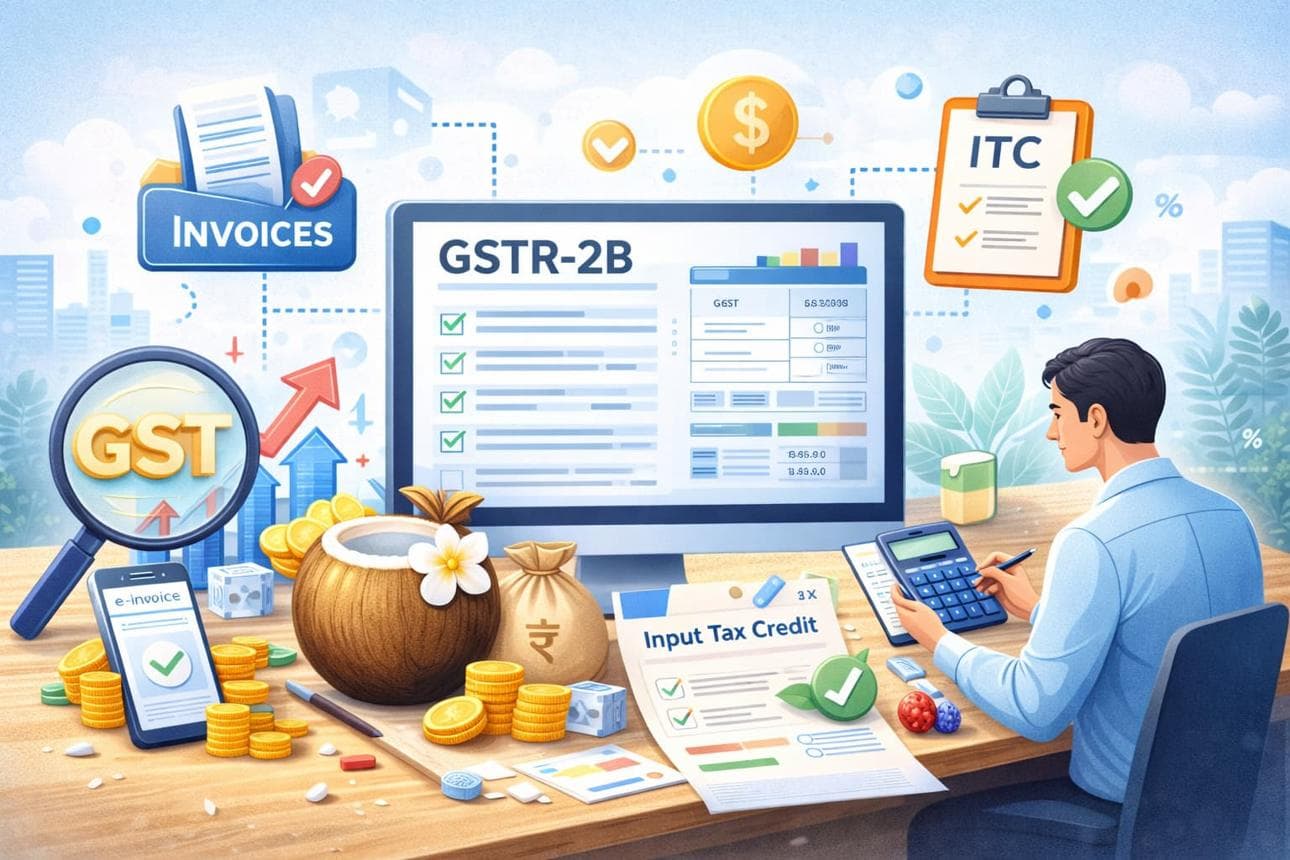
GST Input Tax Credit (ITC) in India: How to Check, Claim and Avoid Common Mistakes (2026 Guide)
Meta Title: GST Input Tax Credit (ITC) in India: Eligibility, GSTR-2B and Claim Process (2026)
Meta Description: Learn how GST Input Tax Credit works in India, eligibility rules, GSTR-2B reconciliation, how to claim ITC in GSTR-3B and common mistakes businesses should avoid.
Suggested URL Slug: /gst-input-tax-credit-itc-india
Primary Keyword: GST Input Tax Credit
Secondary Keywords:
- How to claim ITC in GST
- GSTR-2B reconciliation
- GST input credit rules
- Input Tax Credit eligibility
- ITC in GSTR-3B
- GST credit mismatch
Category: Tax and GST
Suggested Reading Time: 8–10 minutes
GST Input Tax Credit (ITC) in India: How to Check, Claim and Avoid Common Mistakes (2026 Guide)
When you run a GST-registered business in India, you may pay GST on purchases such as office equipment, raw materials, software services and other business expenses.
But did you know that eligible GST paid on business purchases can generally be adjusted against the GST you collect on your sales?
This benefit is known as Input Tax Credit (ITC).
Understanding ITC is important for small business owners, traders, manufacturers, freelancers and service providers registered under GST. Incorrect claims, missing invoices or differences between purchase records and GST statements can create compliance problems.
In this guide, you will learn what GST Input Tax Credit means, who can claim it, how GSTR-2B works and how to avoid common mistakes.
1. What Is Input Tax Credit (ITC) Under GST?
Input Tax Credit is the credit of eligible GST paid on purchases of goods or services used or intended to be used for business purposes.
Instead of paying the entire GST collected from customers without considering eligible purchase tax, a registered business can generally use eligible input tax credit to reduce its output GST liability.
Simple example:
Suppose a GST-registered business has the following transactions:
| Description | Amount |
|---|---|
| GST collected on sales | ₹18,000 |
| Eligible GST paid on purchases | ₹10,000 |
| Net GST payable | ₹8,000 |
Calculation:
₹18,000 − ₹10,000 = ₹8,000
Therefore, the business may use ₹10,000 of eligible ITC to reduce its GST liability.
Illustrative example only. Actual utilisation depends on the applicable GST rules, tax type and available credit.
2. Who Can Claim GST Input Tax Credit?
Generally, a person registered under GST can claim eligible ITC when purchases are used or intended to be used in the course or furtherance of business.
However, GST registration alone does not make every purchase eligible.
Some important requirements include:
- You must possess a valid tax invoice, debit note or other prescribed document.
- You must receive the goods or services.
- The supplier must furnish the relevant invoice details, and applicable tax-payment conditions must be satisfied.
- You must furnish the applicable GST return.
- The purchase must be eligible under GST law.
These conditions are subject to the CGST Act and applicable rules.
3. What Is GSTR-2B and Why Is It Important?
GSTR-2B is an auto-drafted Input Tax Credit statement available on the GST portal.
It is generated using information furnished by suppliers in their relevant returns and other applicable sources.
It helps businesses identify purchase invoices and the corresponding ITC information reported through the GST system.
Important: GSTR-2B is not a return that you need to file. It is a read-only statement used to help determine and reconcile available ITC.
Businesses should compare GSTR-2B with their purchase register and accounting records before claiming credit.
4. How to Check GSTR-2B on the GST Portal
Follow these general steps:
- Visit the official GST portal: https://www.gst.gov.in/ (opens in a new tab)
- Log in using your GST credentials.
- Open the Returns Dashboard.
- Select the relevant financial year and return period.
- Open the GSTR-2B statement.
- Review the available purchase invoices and credit details.
- Download the statement if you need to compare it with your accounting records.
Always check the latest portal instructions because the interface and return functionality may change.
5. How to Reconcile GSTR-2B With Your Purchase Register
Reconciliation means comparing the invoices recorded in your business accounts with the information available in GSTR-2B.
For example:
| Invoice | Purchase Register | GSTR-2B | Action |
|---|---|---|---|
| INV-101 | Available | Available | Verify eligibility |
| INV-102 | Available | Missing | Contact supplier |
| INV-103 | Missing | Available | Check invoice and accounting records |
| INV-104 | Available | Available, different amount | Investigate mismatch |
Do not automatically claim every invoice appearing in GSTR-2B. Check the actual purchase, business use, documentation and legal eligibility.
Similarly, do not claim an invoice merely because it appears in your purchase register.
6. Common Reasons Why ITC May Not Appear in GSTR-2B
There are several reasons why an eligible-looking purchase invoice may not appear correctly.
1. Supplier has not filed the relevant return
The supplier may have issued an invoice but not furnished the relevant details in the GST system.
2. Incorrect GSTIN
Your GSTIN may have been entered incorrectly on the purchase invoice.
3. Incorrect invoice details
Invoice number, date, taxable value or GST amount may not match the records.
4. Supplier has filed details in a different period
An invoice may appear in a subsequent statement depending on when the supplier furnishes the relevant details.
5. Import or special transaction reporting
Certain transactions follow separate reporting processes and should be checked using the relevant GST documentation.
When you find a mismatch, contact the supplier and maintain a record of the correction.
7. Which Purchases Are Not Eligible for ITC?
Not every GST payment qualifies for input tax credit.
Section 17(5) of the CGST Act identifies categories of blocked credits, subject to specified exceptions.
Examples include certain:
- Motor vehicles and related expenses, subject to statutory exceptions.
- Food and beverages and outdoor catering, subject to exceptions.
- Membership of clubs and fitness centres.
- Personal consumption expenses.
- Goods or services used for certain exempt supplies.
- Goods or services used for purposes unrelated to business.
The exact eligibility depends on the nature of the transaction and applicable statutory exceptions.
Businesses should not assume that GST shown on an invoice automatically qualifies for ITC.
8. What Is the Difference Between GSTR-2B and GSTR-3B?
These forms serve different purposes.
| Feature | GSTR-2B | GSTR-3B |
|---|---|---|
| Purpose | ITC information statement | Summary GST return |
| Nature | Auto-drafted statement | Return furnished by taxpayer |
| Filing required | No | Yes, where applicable |
| ITC information | Shows reported credit details | Reports ITC claimed and other return information |
| Main use | Reconciliation | GST return compliance |
GSTR-2B helps you review purchase-side information, while GSTR-3B is used to report the relevant tax liability and eligible ITC.
9. Common ITC Mistakes Businesses Should Avoid
Here are some mistakes that can create GST compliance problems:
- Claiming ITC without checking invoice details.
- Ignoring differences between purchase records and GSTR-2B.
- Claiming credit for personal expenses.
- Claiming blocked credit without checking statutory exceptions.
- Claiming the same invoice more than once.
- Not following up with suppliers about missing invoices.
- Ignoring ITC reversal requirements.
- Failing to maintain proper purchase invoices and supporting records.
A monthly reconciliation process can help businesses identify issues before filing their returns.
10. How to Maintain Better GST ITC Records
Businesses can improve their GST compliance by following a simple monthly routine:
- Record every business purchase in the accounting system.
- Collect and store valid GST invoices.
- Download GSTR-2B for the relevant period.
- Match invoice numbers, GSTINs and tax amounts.
- Investigate missing or mismatched invoices.
- Identify blocked or otherwise ineligible credit.
- Review applicable reversal requirements.
- Verify the final ITC figures before filing GSTR-3B.
Keep supporting records so that you can explain the basis of your ITC claims if required.
11. Frequently Asked Questions About GST Input Tax Credit
Q1. What is GST Input Tax Credit?
Input Tax Credit is eligible GST paid on business purchases that a registered taxpayer may use to reduce the GST payable on outward supplies, subject to applicable conditions.
Q2. Is GSTR-2B compulsory to file?
No. GSTR-2B is an auto-drafted, read-only statement. It does not need to be filed separately.
Q3. Can I claim ITC if my supplier has not uploaded the invoice?
Do not claim credit merely because you possess an invoice. Verify the applicable statutory conditions, supplier reporting and tax-payment requirements before claiming it.
Q4. Can I claim GST on office purchases?
Potentially, yes. GST on eligible office-related purchases used for business may qualify, subject to documentation and applicable restrictions.
Q5. Can I claim ITC on personal purchases?
Generally, no. Personal consumption expenses are not eligible for ITC.
Q6. What happens if GSTR-2B and my purchase register do not match?
Investigate the difference, verify invoice details, contact the supplier where necessary and correct your records. Do not claim disputed or ineligible credit without satisfying the applicable conditions.
Q7. Can I claim the same ITC twice?
No. Duplicate ITC claims must be avoided.
Q8. Where can I check my GST Input Tax Credit?
You can check your auto-drafted GSTR-2B statement after logging into the official GST portal.
Conclusion
GST Input Tax Credit can help registered businesses manage their tax liability more efficiently. However, claiming ITC requires more than simply collecting purchase invoices.
Businesses should regularly reconcile GSTR-2B with their accounting records, verify eligibility, maintain supporting documents and review applicable GST rules before filing returns.
A consistent monthly reconciliation process can help reduce errors and improve GST compliance.
Disclaimer: This article is for general educational purposes only and does not constitute tax, legal or accounting advice. GST laws and procedures may change. Verify current requirements through official government sources or consult a qualified Chartered Accountant before making tax decisions.
Official References
- GST Portal: https://www.gst.gov.in/ (opens in a new tab)
- GST Portal – GSTR-2B FAQs: https://tutorial.gst.gov.in/userguide/returns/FAQ_gstr2b.htm (opens in a new tab)
- CBIC – Input Tax Credit Rules: https://cbic-gst.gov.in/input-tax-credit-rules.html (opens in a new tab)
- CBIC – CGST Act: https://cbic-gst.gov.in/ (opens in a new tab)
Last reviewed: 31 October 2026
Suggested Author: FinanceBlogg Editorial Team
About the author
FinanceBlogg Editorial Team
Editorial Team
The FinanceBlogg editorial team researches and writes educational explainers on personal finance in India. Articles are based on official sources such as the Reserve Bank of India, SEBI, IRDAI and the Income Tax Department, and are updated when rules change.
View profile and articlesSpotted an error? Read our corrections policy and tell us.
Related articles
Income Tax vs GST in India: Rules, Differences, Registration and Filing Guide (2026)
Understand income tax vs GST in India, who must pay or register, tax rules, GST returns, filing basics and common compliance mistakes.
· 11 min read
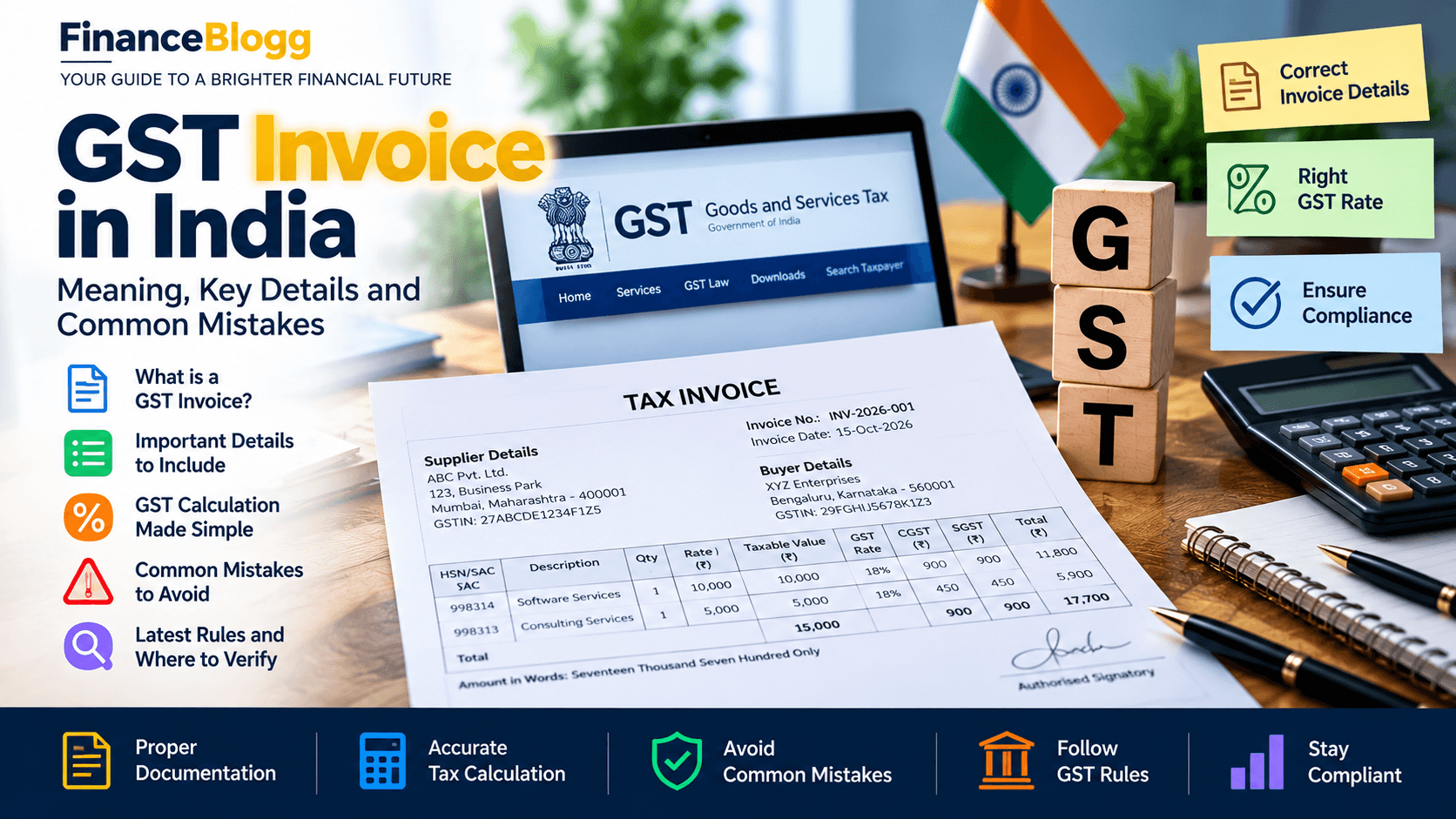
GST Invoice in India: Meaning, Key Details and Common Mistakes
Learn what a GST invoice is in India, the important invoice details, tax calculation basics, common mistakes and where to verify GST compliance.
· 4 min read

How to Read Form 26AS and the Annual Information Statement
How to read Form 26AS and AIS in India: TDS credits, reported transactions, mismatches, and the checks to make before you file your income tax return.
· 6 min read